Azure tagging strategy, part 3: cost per data product on Databricks and Fabric
· 12 min read

The invoice says "Azure Databricks: CHF X". Which product caused it? Azure tags alone can't answer that, because Databricks and Microsoft Fabric each add their own tag system. This is part 3 of 3. It shows which tags reach which billing data, how we get one CHF figure per data product, and where Fabric tags fit. It uses the data-product tag and the Terraform module from part 2.
TL;DR
- Databricks and Fabric bring a second tag system. Databricks compute tags reach billing data. Fabric tags don't reach Azure billing; they help with discovery and feed your own cost allocation.
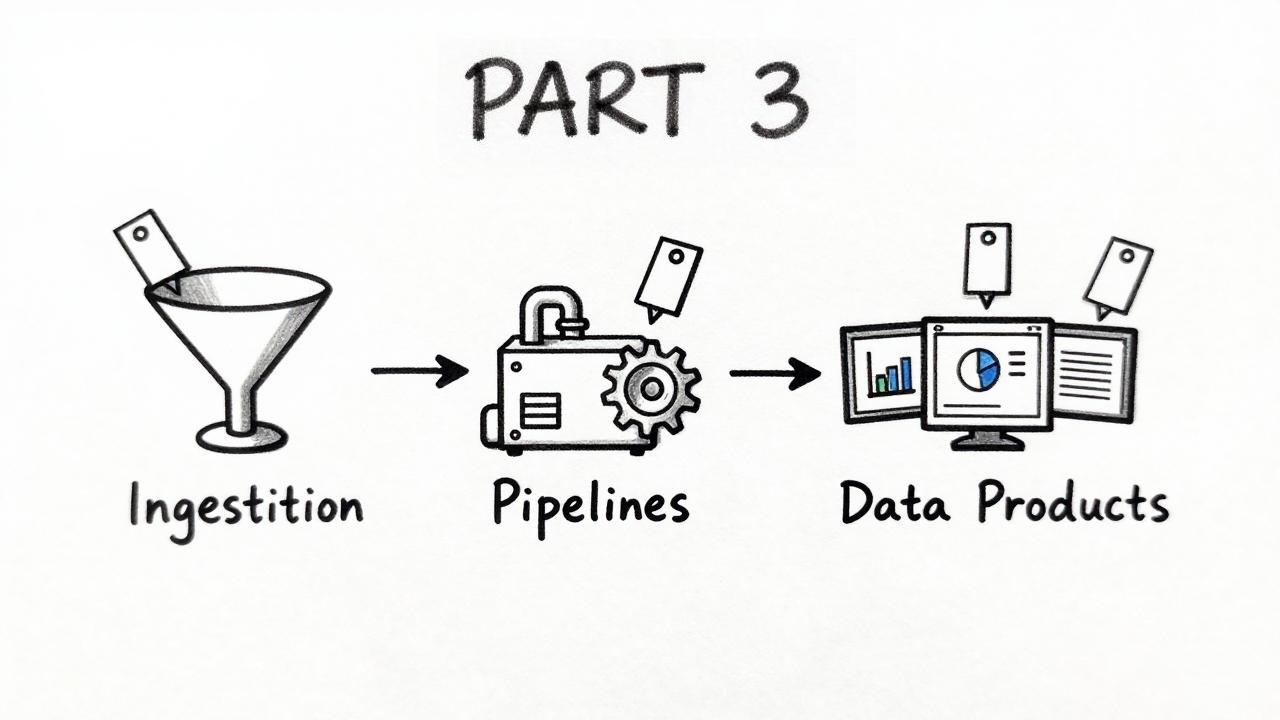
- The concept is the same for both: export the Azure cost data, load it into tables, attribute the cost lines to products, report. Export and ingestion are already described in my Databricks cost control series.
- Look at your own cost export first. If the cost lines carry
data-product, Cost Management answers. If not, you need usage data from the platform: DBUs (Databricks Units) for Databricks, capacity unit consumption for Fabric. - Databricks: add VM cost from Cost Management and the Databricks charges split by DBU share, per workspace. The shares always add up to the invoice, so check the assumptions against independent data.
- Fabric: the capacity is the smallest unit in the Azure bill. Separate capacities per cost center are the simplest split.
- Report shared cost as its own line. Allocate it only when someone needs full cost per product.